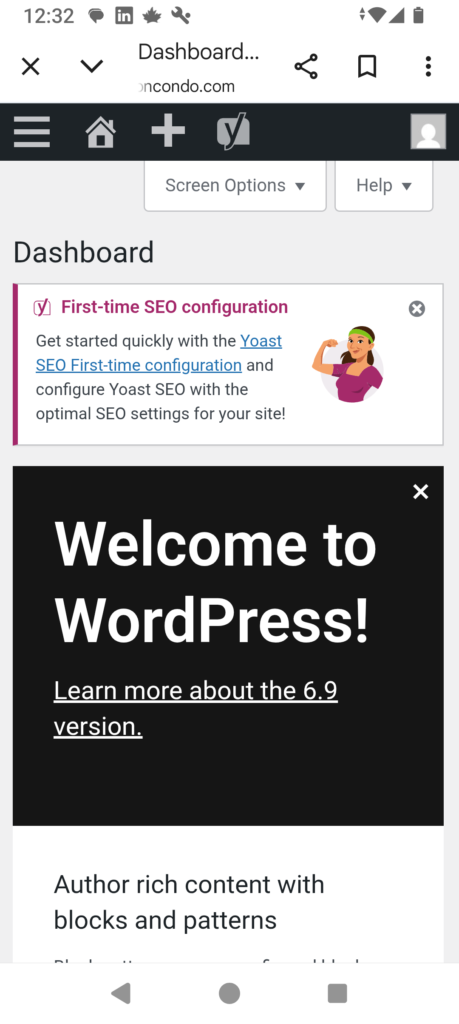
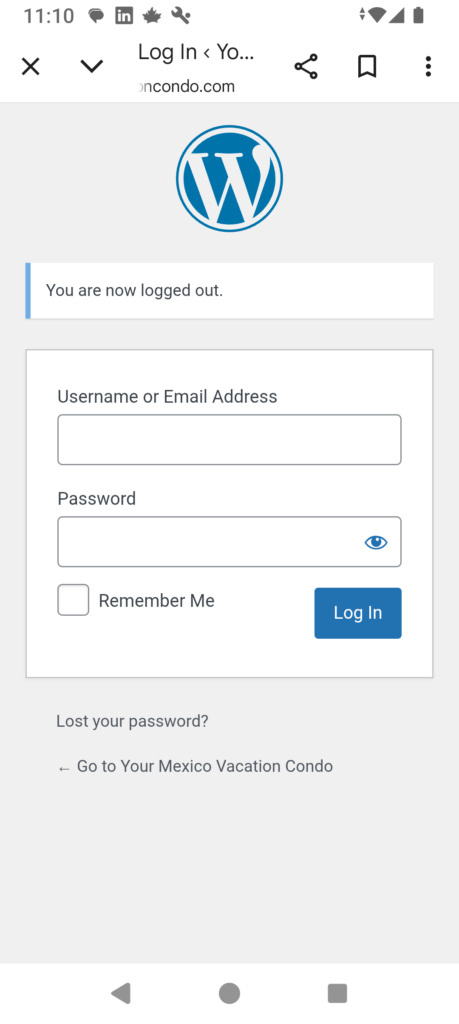
A login window should appear like the one shown here. if it’s on your laptop it will be at the right if on your phone it will be below.
Log in using:
Username: admin
Password: 3Historicalj3#
Note: once in awhile you will get an “attack prevention” window that pops up before the login window. If this happens just follow the instructions. Most times you only have to enter a numerical password and sometimes you will need to add a username but it will tell you to use “allinone” as the username. After you do that the login window will appear.
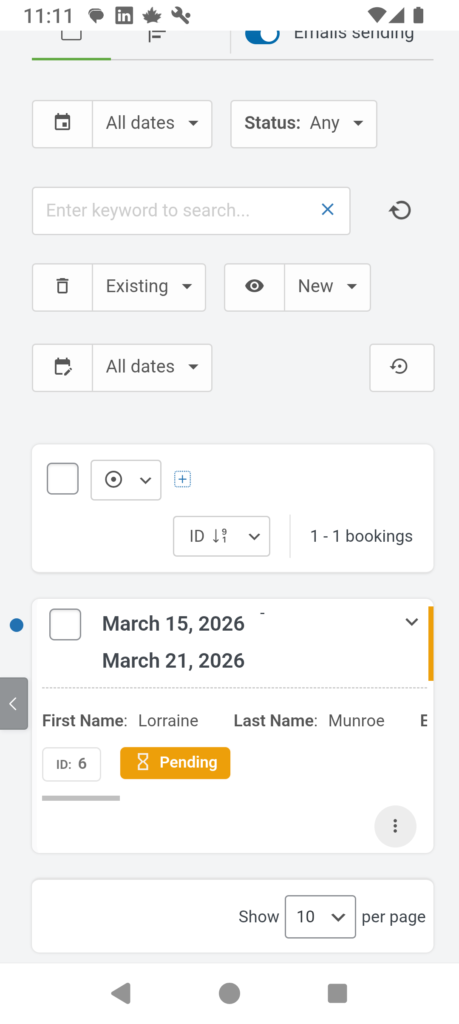
2. Access the booking portal
On you laptop you will see the menu at left, click on “Booking Calendar”. Click on that and then on “Bookings”
On your phone you will have to click on the three lines top left, then “Booking Calendar”, then on “Bookings”